
Restoration is the highest-urgency category in home services, and water damage restoration SEO lives or dies on a handful of technical and structural factors. The seven most damaging signs your site is losing emergency calls to competitors are: a mobile load time over 3 seconds, a phone number that isn't tappable on mobile, failing Core Web Vitals scores, a single generic services page instead of dedicated pages per service, no city-specific service pages for your coverage area, a stale or incomplete Google Business Profile, and inconsistent NAP citations across directories. Each sign suppresses local search rankings and conversion rates independently. Together they can erase the lead volume a $2M–$5M restoration business needs to grow. The good news: every one is fixable, and the fastest fixes take days, not months.
-
53% mobile abandonment at 3+ secondsWhy page speed is the first fix for restoration sites
-
Tappable phone number in the sticky headerThe fastest single fix to recover lost emergency calls
-
1.3 ranking positions lost per CWV failureHow Core Web Vitals suppress your search engine rankings
-
One dedicated page per core service, minimumWhy generic service pages rank for nothing with authority
-
City-specific pages convert at 1.8x the generic rateOnly when built with real local signals, not template swaps
-
GBP carries 32% of local pack ranking weightMost-neglected ranking factor in the restoration industry
-
17% ranking improvement after NAP cleanupOne of the fastest measurable wins in local SEO
Restoration is the highest-urgency category in home services. When a pipe bursts at midnight or a basement floods on a Sunday, the property owner searching "emergency water damage restoration near me" is not comparison shopping. They call the first company that loads fast, shows up in the Map Pack, and makes it effortless to dial. That search generates real volume: "water damage restoration" alone pulls 49,500 US searches per month nationally (Semrush, 2026), and emergency flood cleanup clicks cost $100–$180 each in paid ads. A slow or structurally broken restoration website doesn't just underperform — it actively redirects those emergency calls to whichever competitor happens to load faster. This post is a 15-minute diagnostic. Run each of the 7 signs against your own site right now. The fixes are concrete, the mechanisms are explained, and the order escalates from the most visible failures to the structural gaps that quietly suppress rankings for months.
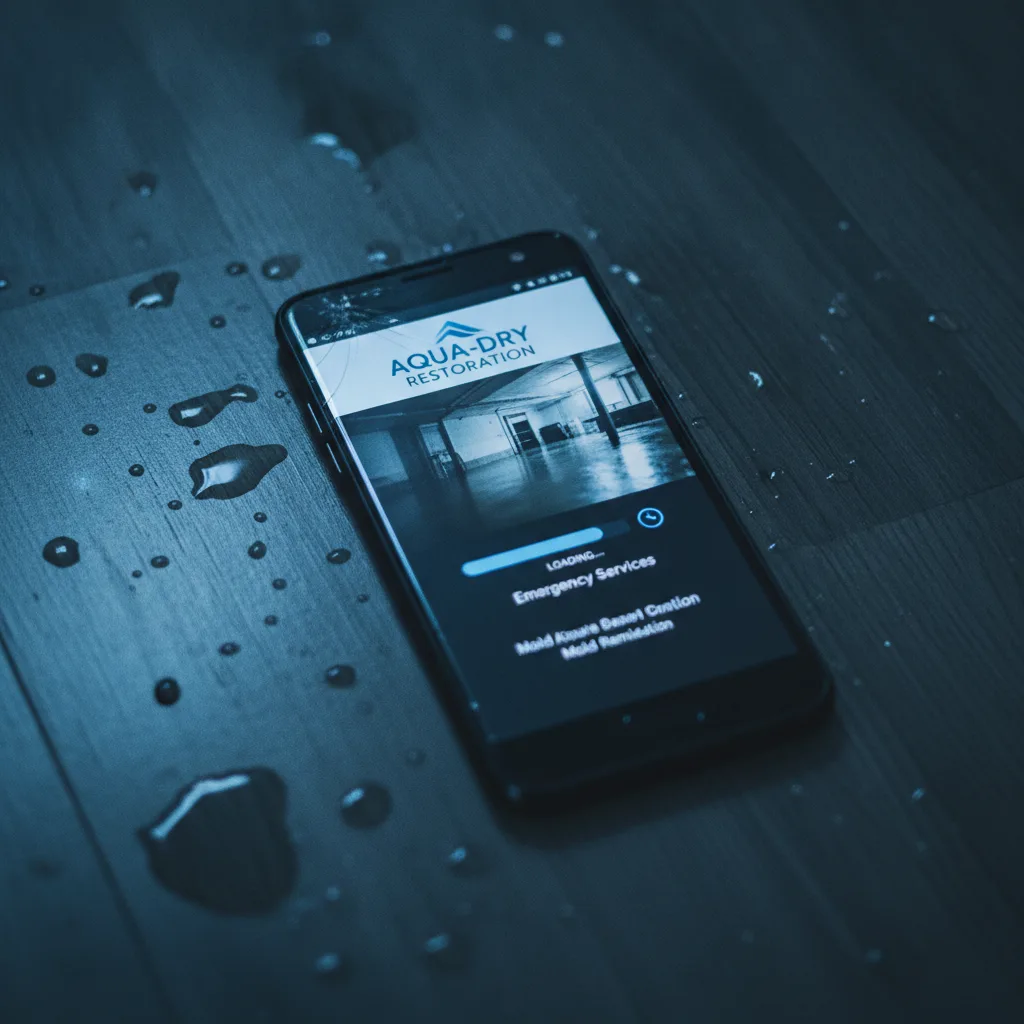
Sign 1: Your Site Takes More Than 3 Seconds to Load on Mobile
Visit website ↗Page speed is the foundation everything else sits on for water damage restoration SEO. 53% of mobile users abandon a site that takes longer than 3 seconds to load, and for restoration companies — where the vast majority of emergency searches happen on mobile — every slow-loading page is a lead handed to a faster competitor. Sites loading in 1 second convert at 2.5x the rate of sites loading in 5 seconds, and only 44% of WordPress sites on mobile pass all three Core Web Vitals thresholds as of mid-2025. If your restoration business runs on WordPress with an image-heavy before/after gallery, the odds are against you until you fix it.
What to check right now
- Paste your homepage URL into Google PageSpeed Insights and look at the mobile score
- Check Largest Contentful Paint (LCP): target under 2.5 seconds
- Check Total Blocking Time (TBT) and Cumulative Layout Shift (CLS) — all three Core Web Vitals must pass
- Run the same test on your top service pages, not just the homepage
- Use GTmetrix to identify which specific images or scripts are causing the longest delays
Common causes in restoration sites
- Uncompressed before/after photo galleries with JPEG files over 500KB each
- Page builders like Divi or Elementor loading unused CSS and JavaScript on every page
- No image lazy-loading, so all gallery photos load on page open
- Shared hosting plans that throttle response times under traffic spikes
- Embedded video autoplay on the homepage pulling from an external server
Highest severity
A restoration company running paid ads to a 5-second load time is paying $100–$180 per click to send traffic to a page that more than half of visitors abandon before it finishes loading. Fix mobile page speed before anything else — it determines whether every other fix on this list actually delivers a lead.
Sign 2: Your Phone Number Isn't Visible and Tappable on Mobile
Visit website ↗68% of mobile users click-to-call directly from local search results. For a restoration business whose average residential water damage job runs $3,000–$12,000, burying the phone number in the footer — or displaying it as plain text that can't be tapped — kills the most valuable conversion action before it starts. Property owners in an emergency are not scrolling to the bottom of a page to find official contact details. If your number isn't in the header on mobile and formatted as a tappable tel: link, you're making potential clients work harder than your competitor does. Emergency searches demand zero friction at the exact moment a homeowner decides to call.
What a passing mobile header looks like
- Phone number visible in the sticky header on every page, not just the homepage
- Number coded as a tel: link so tapping it opens the dialer immediately
- "Call Now" or "24/7 Emergency Line" label next to the number to signal availability
- Number also appears above the fold on each service page, not just in the navigation
- Click-to-call button repeated at the bottom of long-form pages so users scroll doesn't require going back up
What kills call volume
- Phone number displayed only as an image (search engines and mobile devices can't read it as a link)
- Number placed only in the footer — invisible during the first 5 seconds of a visit
- Contact page as the only place to find the phone number
- No after-hours or emergency language near the number, so callers assume no one answers
- Form-first design that forces users to submit a form submission before seeing a phone number
Critical conversion gap
This is the fastest fix on this list. A developer can add a sticky header with a tappable phone number in under an hour. Given that phone calls drive the majority of emergency restoration revenue, there's no simpler way to recover lost emergency calls than making your number impossible to miss on mobile.
Sign 3: Your Site Fails Core Web Vitals and Is Losing Ranking Ground
Visit website ↗Pages passing all three Core Web Vitals thresholds ranked 1.3 positions higher on average than pages failing at least one metric, based on a 2025 correlation study of 100,000 search queries controlling for content quality and backlink authority. In a competitive restoration market where the top 3 local results capture 68% of all clicks, that 1.3-position gap is often the difference between the Map Pack and page two. Most restoration websites run on WordPress and use image-heavy before/after galleries — the exact combination most likely to fail LCP and CLS. Technical SEO starts here: Core Web Vitals aren't optional polish, they're a direct signal Google uses to rank restoration companies against each other in local search results.
The three metrics that matter for mobile optimization
- Largest Contentful Paint (LCP): how fast the main content block loads — target under 2.5 seconds
- Interaction to Next Paint (INP): how quickly the page responds to a tap — target under 200ms
- Cumulative Layout Shift (CLS): how much the page jumps around as it loads — target under 0.1
- Check all three in Google Search Console under Experience > Core Web Vitals
- Prioritize mobile scores — Google's mobile-first index means a passing desktop score doesn't offset a failing mobile score
What causes CWV failures on restoration sites
- Before/after sliders that load full-resolution images and block rendering
- Third-party chat widgets and form tools that delay Interaction to Next Paint
- Fonts loading from external servers without preconnect hints, adding 300–500ms
- No explicit width/height attributes on images, causing layout shift as they load
- Page builders injecting render-blocking CSS above the fold
Technical SEO priority
Failing Core Web Vitals doesn't just slow your site — it actively suppresses your search engine rankings while every competitor who passes them gains ground in local search. Run the Search Console report today and treat any 'Poor' URLs as an emergency equal to a flooding call.

Sign 4: You Have One Generic Services Page Instead of Dedicated Pages for Each Service
Visit website ↗The most common site structure failure for restoration companies is a single generic services page that lumps water damage, fire damage cleanup, mold removal, and storm damage together. Search engines cannot match service-specific keywords to a page that covers all services at once — which means your site ranks for none of them with authority. A property owner searching "mold removal Austin" and a property manager searching "fire damage cleanup Houston" need to land on relevant service pages built specifically for those needs, not a list page that mentions every service in a paragraph each. Building dedicated pages is a one-time architecture decision with compounding SEO returns and is central to establishing topical authority in the restoration industry.
What the right service page architecture looks like
- Separate dedicated pages for water damage restoration, fire damage cleanup, mold removal, storm damage, and emergency flood cleanup
- Each page targets its own set of service-specific keywords in the title, H1, and first 100 words
- Service details on each page go beyond a paragraph: process, timeline, what to expect, common causes
- Internal links from each service page to related services and to city-specific location pages
- Before/after photos and testimonials specific to that service category on each page
What a single services page costs you
- No page on your site can rank for "mold removal [city]" because there's no dedicated page to optimize
- Users searching for a specific service land on a page that doesn't match their urgent need
- Paid ads sending traffic to a generic page pay for clicks that don't convert at the rates a dedicated page would
- Competitors with dedicated pages for each service outrank you on every service-specific search term
- Search engines can't establish topical authority for your restoration business when all services share one page
Site structure fix
Build a dedicated page for each core restoration service. Each page becomes an independent ranking asset targeting its own service-specific keywords — and the keyword research to identify what property owners and property managers actually search before each type of job is what makes those pages convert, not just rank.
Sign 5: You Have No City-Specific Service Pages for Your Service Areas
Visit website ↗City-specific location pages convert at 1.8x the rate of generic service pages when they include real local signals: neighborhoods served, documented response times, common local damage causes, and 800–1,500 words of locally relevant content. A template-swap page — same copy, different city name dropped in — produces no measurable lift in local search results. Nearly 95% of emergency restoration searches include location phrases like "water damage restoration near me" or "emergency flood cleanup [city name]." This means water damage restoration SEO lives or dies on local visibility, not generic brand presence. City-specific service pages are where high-intent searches convert into qualified leads.
What makes a city-specific page actually work for local SEO
- Neighborhoods, zip codes, and counties served listed explicitly — not just the city name
- Documented average response time to that specific city or region
- Local damage context: common causes in that area such as aging infrastructure, flood zones, or freeze events
- Real photos from completed projects in that city, not stock images
- City-specific customer testimonials and review excerpts embedded on the page
What kills a location page's ranking potential
- Template-swap pages where only the city name changes and all other content is identical across cities
- Pages under 500 words with no locally relevant content beyond the city name in the title
- No internal links from service pages to the corresponding city location page
- Missing business hours, official contact details, and service area boundaries on the page
- No reviews or testimonials from customers in that specific city or region
Local SEO multiplier
If you serve five cities and have zero city-specific pages, you're competing for "water damage restoration [city]" on a generic homepage against restoration companies who built dedicated pages for every city they serve. Each page must be built with real local signals — pages that just swap in a city name generate no ranking lift and damage credibility with property owners who can spot a template.
Sign 6: Your Google Business Profile Is Stale or Incomplete
Visit website ↗Google Business Profile signals account for 32% of local pack ranking weight, making Google Business Profile optimization the single highest-leverage activity for restoration contractors seeking Google Maps placement. Yet 64% of restoration companies haven't touched their GBP in six months or more. A stale or incomplete profile signals to Google that the restoration business may be inactive, suppressing its local search results visibility at the exact moment a property owner is searching for emergency water damage restoration services. The local pack is where emergency calls originate — 68% of all clicks on restoration queries go to the top 3 Google Maps results, and an unmaintained GBP surrenders that position to competitors who post completed projects weekly.
What a fully optimized Google Business Profile looks like
- Primary category set to "Water Damage Restoration Service" — not a generic contractor category
- All secondary services listed: fire damage cleanup, mold removal, storm damage restoration, emergency flood cleanup
- Business hours accurate and marked as 24/7 for emergency services
- Photos updated regularly with recent completed projects (Google Vision AI reads image content as a relevance signal)
- Posts published 2–3 times per week featuring completed projects, seasonal tips, and emergency availability
What suppresses Google Maps rankings
- Primary category set incorrectly — "General Contractor" instead of "Water Damage Restoration Service"
- No posts in the last 60+ days, which Google treats as a reduced relevance signal
- Photos that are stock images rather than actual completed projects from your crews
- Questions from potential clients left unanswered in the Q&A section
- No review response strategy — responding to reviews is a GBP engagement signal that affects local authority
Local pack entry point
If your restoration business isn't showing up in the top 3 Google Maps results for your primary service areas, an underoptimized Google Business Profile is almost always part of the problem. It carries more ranking weight in local search than any single on-page SEO factor — and fixing it costs nothing but time.
Sign 7: Your NAP Is Inconsistent Across Directories and Citations
Visit website ↗Restoration businesses fixing major NAP inconsistencies — name, address, and phone mismatches across directories — see a 17% average ranking improvement within 90 days. That's one of the fastest ranking moves available in local SEO, because it removes active trust damage rather than simply adding positive signals. For restoration companies with multiple service areas, local citations multiply quickly: Yelp, Angi, Houzz, local chamber directories, industry associations, and dozens of data aggregators all pull and republish your business information. Any mismatch between those listings and your Google Business Profile tells search engines your official contact details can't be trusted — and that erosion shows up directly in local authority and Map Pack position.
How to audit your NAP in 15 minutes for local authority
- Search your business name in BrightLocal or Moz Local to get a citation audit report
- Verify your business name, address, and phone number are identical — not just similar — across all major directories
- Look for old addresses or phone numbers still live on aggregator sites after a business move
- Check that your suite number format is consistent (Suite 100 vs. Ste. 100 vs. #100 all count as mismatches)
- Confirm your GBP address matches your website's contact page exactly, character for character
Where inconsistencies hide and hurt most
- Data aggregators like Foursquare and Acxiom that feed hundreds of secondary directories
- Old listings from a previous business location that were never updated or removed
- Multi-location restoration businesses with slightly different business name formats per location
- Industry directories such as Angi and Houzz that use older information pulled at signup
- Local authority citations from industry associations or chamber of commerce listings that haven't been updated in years
Local authority baseline
NAP consistency isn't glamorous, but it's one of the few local SEO fixes that delivers measurable ranking improvement within 90 days. For a restoration company that relies on local search results for emergency calls, inconsistent citations are quietly eroding the trust signals that determine whether you show up in the Map Pack or not.

What Fixing These Signs Actually Looks Like in Practice
One restoration company started with nearly zero online presence. After rebuilding site structure, adding dedicated service pages for water damage restoration, mold removal, and fire damage cleanup, and executing a full local SEO strategy — including Google Business Profile optimization and clean NAP citations — they reached 25 qualified leads per month with a 6% conversion rate, and 325+ ranked keywords driving organic traffic. That kind of result doesn't come from fixing one sign. It comes from fixing all seven in sequence: fast mobile load, visible click-to-call, passing Core Web Vitals, dedicated service pages, real city-specific location pages, an active Google Business Profile, and clean local citations across directories. Each fix compounds the next. Want to see what that looks like for your restoration company? Get Your Free Strategy Session.
Restoration is an emergency business. The property owner searching "emergency flood cleanup" at 2 a.m. calls whoever loads fast, shows up in the Map Pack, and makes it easy to dial. If your site fails on mobile speed, buries the phone number, lumps all services onto one page, skips city-specific location pages, runs a stale Google Business Profile, or carries inconsistent citations across directories — you're not just underperforming. You're actively redirecting emergency calls to competitors who fixed these problems first. Every sign on this list is fixable. The technical fixes for page speed and click-to-call take days. The structural fixes — dedicated service pages, real city-specific pages, a clean GBP, consistent local citations — take longer but build a lead generation asset that works without paying per click for every urgent search. Quality backlinks and link building through press releases and industry associations also compound over time, strengthening local authority beyond what on-page fixes alone can achieve. Start with the diagnostic right now: run your homepage through Google PageSpeed Insights, check your GBP last-updated date, and search your business name in BrightLocal. If your restoration business is doing $2M–$5M in revenue and your phone still isn't ringing the way the organic traffic numbers say it should, what you find in the next 15 minutes will tell you exactly why.
Frequently Asked Questions
Ready to get started? Contact Geek Powered Studios today.